AI tools for business: what the Microsoft outage teaches us
On 12 November Microsoft went down in 74 countries, Copilot included. How to choose AI tools that don’t stop the office over a single fault: 5 questions.
 Martina BiscuolaCMO · NeurallyAI6 min read
Contents
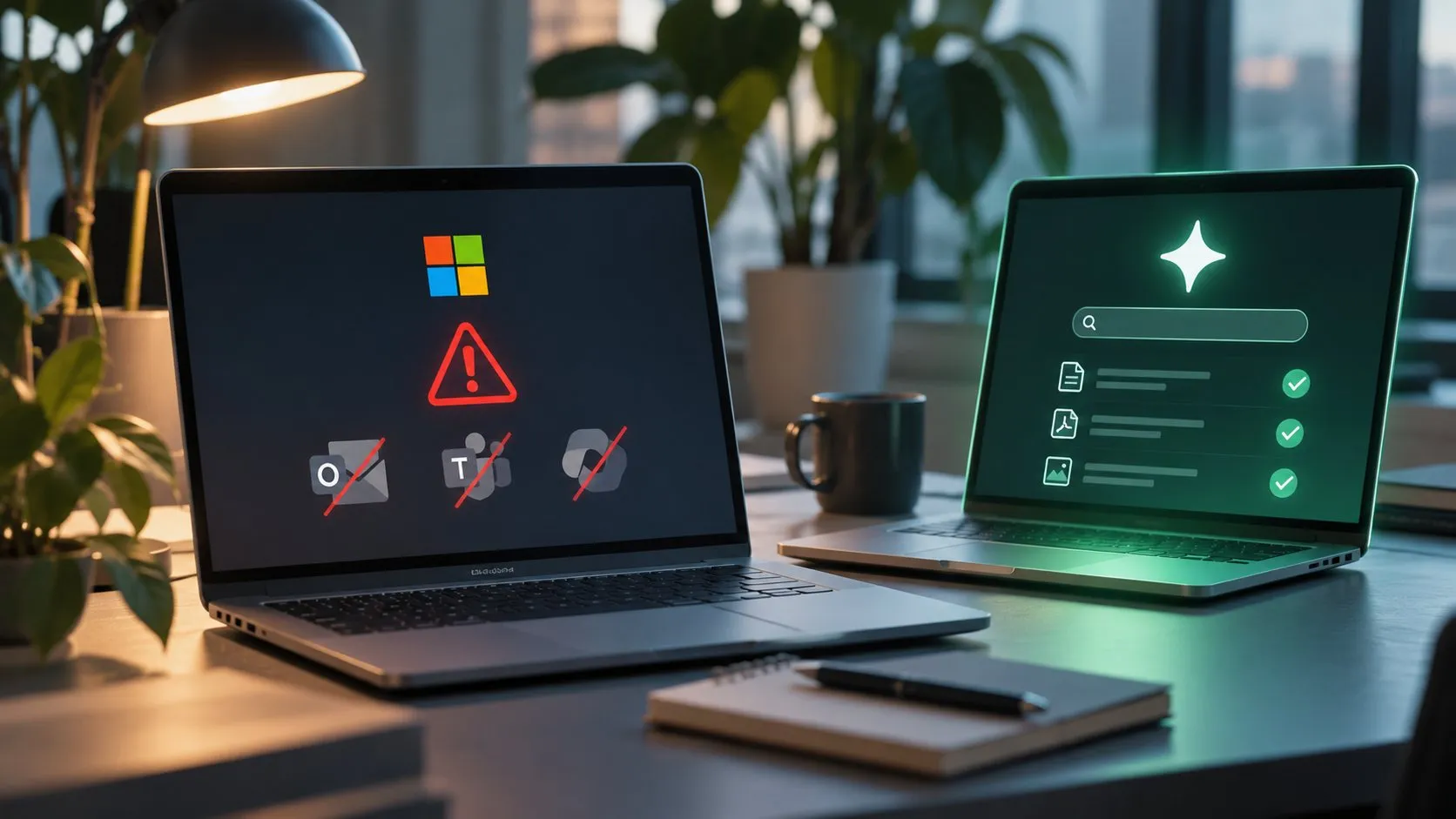
On Thursday 12 November, late in the afternoon, millions of offices around the world found out how much work runs through a single supplier. Microsoft stopped working properly and reliably: Outlook wasn’t receiving mail, Teams wouldn’t connect, Copilot didn’t answer.
Microsoft fixed the problem on the Friday, apologised and explained what had gone wrong, firmly ruling out a cyberattack. Anyone running IT for a company, though, is left with a question: if it happens again tomorrow, which AI tools in the business will keep working?
What happened: 74 countries and hundreds of millions of users without Microsoft services
According to reports, the outage affected hundreds of millions of users in 74 countries. The worst problems hit Outlook, but other Microsoft 365 services went down too, including Teams, Copilot and the Defender security tool. Italy was not spared.
A few numbers to show the scale:
- on Downdetector reports for Outlook alone passed 130,000 in the first few hours, with about 50,000 more for the Microsoft 365 suite;
- in the United Kingdom, according to the unions, 999 and 111 emergency call handlers could not pass on patient data as usual, and part of the health service went back to pen and paper;
- in the Netherlands several courts were reachable only by phone.
The exact cause, according to Microsoft, was a network infrastructure configuration error that surfaced after a server capacity update. The company brought services back one step at a time, so as not to overload the systems with the backlog of mail, and in the early hours of 14 November announced a full recovery.
One detail in the coverage caught our attention. In Spain, the impact on central government was limited because the State uses its own servers. We’ll come back to that shortly.
Faults happen to everyone; depending on one supplier is a choice
Any software supplier, large or small, can suffer faults. Microsoft runs a huge infrastructure and runs it well, so much so that an event like this makes the news precisely because it is rare. Copilot is still, among others, an excellent tool for people who work in Word, Excel and Outlook every day.
The real question is how the company’s IT architecture is built. When mail, meetings, the document archive and the AI assistant all run through the same supplier, one configuration error thousands of kilometres away is enough to stop the whole office. People can’t write to customers or join a call, and meanwhile they can’t even search for a document to get on with something else.
The cloud market, incidentally, is highly concentrated. According to Synergy Research Group, in the third quarter of 2026 AWS, Microsoft Azure and Google Cloud together held about 61% of the market. The more a company concentrates its processes on one of these players, the more its operational risk becomes the supplier’s risk.
When company knowledge goes dark too
In a company, knowledge lives in documents: contracts, invoices, reports, maintenance manuals, technical drawings and their revisions, test procedures, supplier contracts, data sheets and so on. Everything ends up in the documentation, and if the only way to query it with AI runs through a single service, on the day of the outage the automation that saves you hours and hours stops too.
AI tools for business: 5 questions to ask before you choose
AI in business is already a reality for many Italian SMEs, and today the choice is mostly about where to “run it” and with what guarantees. Before trusting an AI tool with searching company documents, it is worth asking the supplier these five questions.
- If my mail and collaboration supplier goes down, does your tool keep working? If the answer is no, the company has a single point of failure for the whole office. Better to know beforehand than to find out during the next outage.
- How many sources does it connect to at the same time? In SMEs documents rarely sit in one place. There is SharePoint, but also the engineering office’s network folder, the production NAS, the Dropbox shared with suppliers. A tool that reads a single ecosystem gives a partial view of company knowledge.
- Where is the data processed, and who can use it? Servers in Italy or the EU, documents excluded from model training, compliance with the GDPR first and the AI Act next. These are requirements to check in writing, not to take for granted.
- How do I check the answers? An AI that answers without saying which document, page and section the information came from is a risk, especially when that answer ends up in a production order or a contract clause.
- Who decides who sees what? You need permissions you can manage by team, an activity log and access through the company’s single sign-on.
Is an independent document AI worth considering?
If a company needs to find thousands of files scattered across different systems quickly, retrieve a revision, answer by citing the exact page of a manual or write a report on past data, it very probably makes sense to choose a dedicated AI tool that does not depend entirely on the office suite supplier.
It is the same reasoning that protected Spain’s central government: keeping critical functions on a separate infrastructure. Nobody is asking an SME to build its own data centre; it just needs to avoid a single supplier becoming the company’s master switch.
How Neurally works
Neurally is a private agentic AI for document search, developed in Italy and already used by companies such as SACMI and One Express.
- It connects to several archives at once: SharePoint, Google Drive, Dropbox, S3, FTP and SFTP, Samba, WebDAV and network folders;
- It reads many formats: PDF, Word, HTML, text files and scans; depending on the chosen solution, also images, audio, video, technical drawings and CAD files such as DWG, STEP and DXF;
- It always cites the source: document, page and section, and shows you the steps it followed to reach the answer;
- It keeps data in Italy: its servers are Italian, the data stays in the company (because it is only read) and is not used to train models;
- It is certified: ISO/IEC 27001 and ISO 9001, compliant with the AI Act, with audit log on request and SSO/SAML access;
- It doesn’t depend on external suites: it runs on its own infrastructure, so it stays reachable even when other services go down.
How not to be caught out by the next outage
The 12 November outage was resolved in less than a day. The next one could last longer, or fall in the week of an important delivery or the year-end close. Better to be prepared.
Reviewing the company’s AI architecture doesn’t mean changing everything; it means knowing exactly whether, when your main supplier goes down, your engineers, buyers and legal team will still be able to find the information they need to work.
In practice, here is how to do it with your IT team and department heads:
- map where the critical documents are: which archives each department uses, on which systems, managed by which supplier;
- simulate an outage: for each main supplier, note which activities stop and how long the company can cope;
- identify the functions to keep separate: document search is almost always one of them, because it serves people in production, maintenance and administration, and more!
The result is a concrete risk map, also useful for business continuity, which several certifications check.
If you want to explore what an independent AI document search tool can do, book a Neurally demo: we’ll show you the app at work on your team’s cases, connected to the archives you already use.
Frequently asked questions
What happened in the Microsoft outage of 12 November 2026?
Microsoft 365 went down in 74 countries for hundreds of millions of users: Outlook, Teams, Copilot and Defender stopped working. According to Microsoft, the cause was a network configuration error after a server update. Full recovery was announced in the early hours of 14 November.
Why is depending on a single supplier a risk for AI in business?
Because one fault stops everything. If mail, meetings, the document archive and the AI assistant all run through the same supplier, one configuration error far away halts the whole office, document search included. Keeping critical functions separate reduces operational risk.
What should you ask before choosing an AI tool for company documents?
Five things: whether it works when the mail supplier goes down, how many sources it connects to at once, where it processes data and whether it uses it for training, how answers can be checked and who decides access permissions. Get the guarantees on data and compliance in writing.
Does Neurally use company documents to train AI models?
No. Documents are not used to train models and the data sits on servers in Italy. Neurally reads archives in read-only mode and every answer cites the document, page and section it comes from.
 Written byMartina Biscuola · CMO and co-founderBackground in sales and communication: she manages brand positioning and communication, and supports compliance and subsidised finance.

 Martina Biscuola